On this page
To send a voice message on LinkedIn, open a chat with a 1st degree connection in the LinkedIn mobile app, tap the microphone icon, then hold the large microphone button while you talk. Let go and it sends, and you get up to one minute.
That is the whole feature. I checked every step below against LinkedIn's own help page on voice messages on 2026-09-17, because some guides on this topic get the basics wrong.
If the microphone icon is missing for you, skip to the section on why. There are only three likely causes, and each one takes a minute to check.
What do you need before you start?
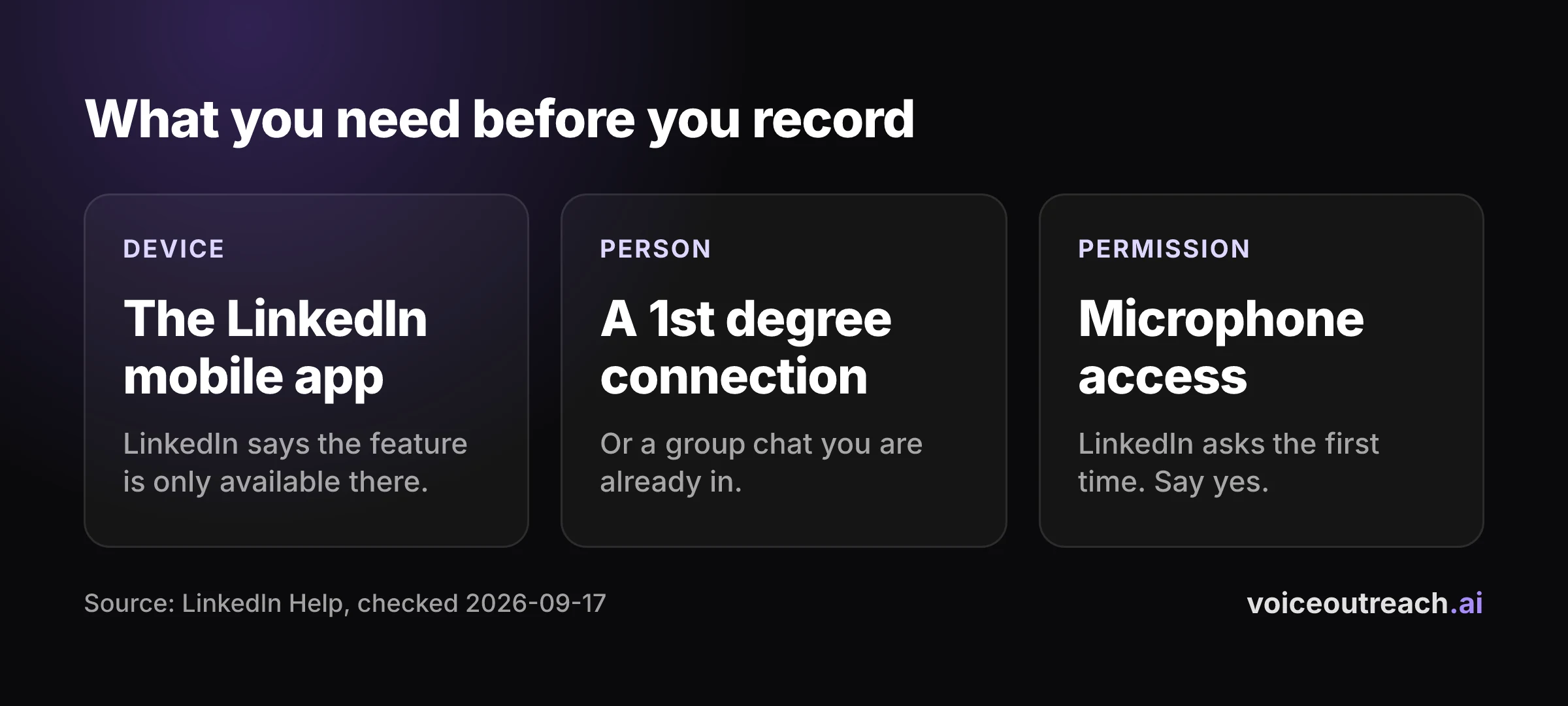
You need three things. Miss any one of them and you will not see a way to record.
- The LinkedIn mobile app. LinkedIn says the feature is only available on the mobile app. The desktop site will not let you record.
- A 1st degree connection or a group chat. LinkedIn lists those two places for voice messages and nothing else. If the person has not accepted your invite yet, you wait.
- Microphone access. If the app asks for it, say yes.
That second point matters more than it looks. You cannot voice message a stranger, so the connection request always comes first. I cover how the two fit together in the complete guide to LinkedIn voice notes.
How do you send a voice message on LinkedIn?
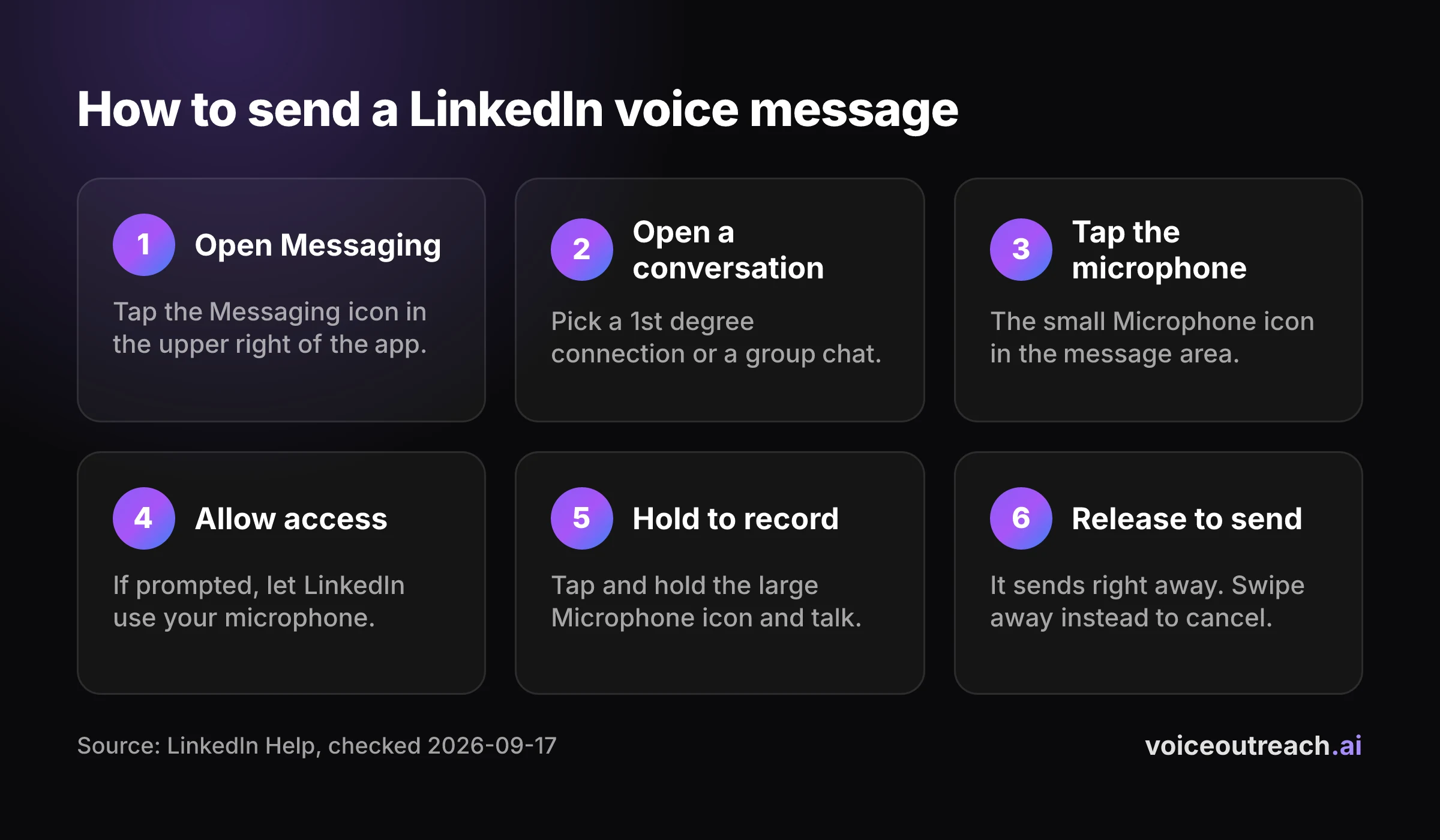
These are LinkedIn's steps, in LinkedIn's order. They are the same whatever phone you use, because LinkedIn publishes one set of steps for the mobile app.
Open Messaging
Open the LinkedIn app and tap the Messaging icon in the upper right.
Open a conversation
Pick the person you want to talk to. They must be a 1st degree connection, or it must be a group chat you are already in.
Tap the microphone icon
Look for the microphone icon in the message area and tap it.
Allow microphone access
If your phone asks whether LinkedIn can use the microphone, allow it.
Tap and hold to record
Press and hold the large microphone button and start talking. Keep holding for as long as you speak.
Release to send
Lift your finger and the message sends.
To listen to a voice message, yours or theirs, tap the Play icon on it in the chat.
A quick way to practise
Your first recording will feel strange. Everyone's does.
Pick a colleague or a friend you are connected with and send them a test. You learn the hold and release motion in one go, and you hear how you sound through a phone speaker.
Can you send a LinkedIn voice message from desktop?
No. LinkedIn's help page says the feature is only available on the LinkedIn mobile app.
Some guides get this wrong. They describe clicking a microphone in the desktop message box, and LinkedIn's own documentation does not support that.
So if you are sitting at your laptop wondering where the button went, nothing is broken. Pick up your phone, open the same conversation in the app, and record from there.
Why can't you see the microphone icon?
Work through these three checks in order. Each one maps to something LinkedIn states on its help page.
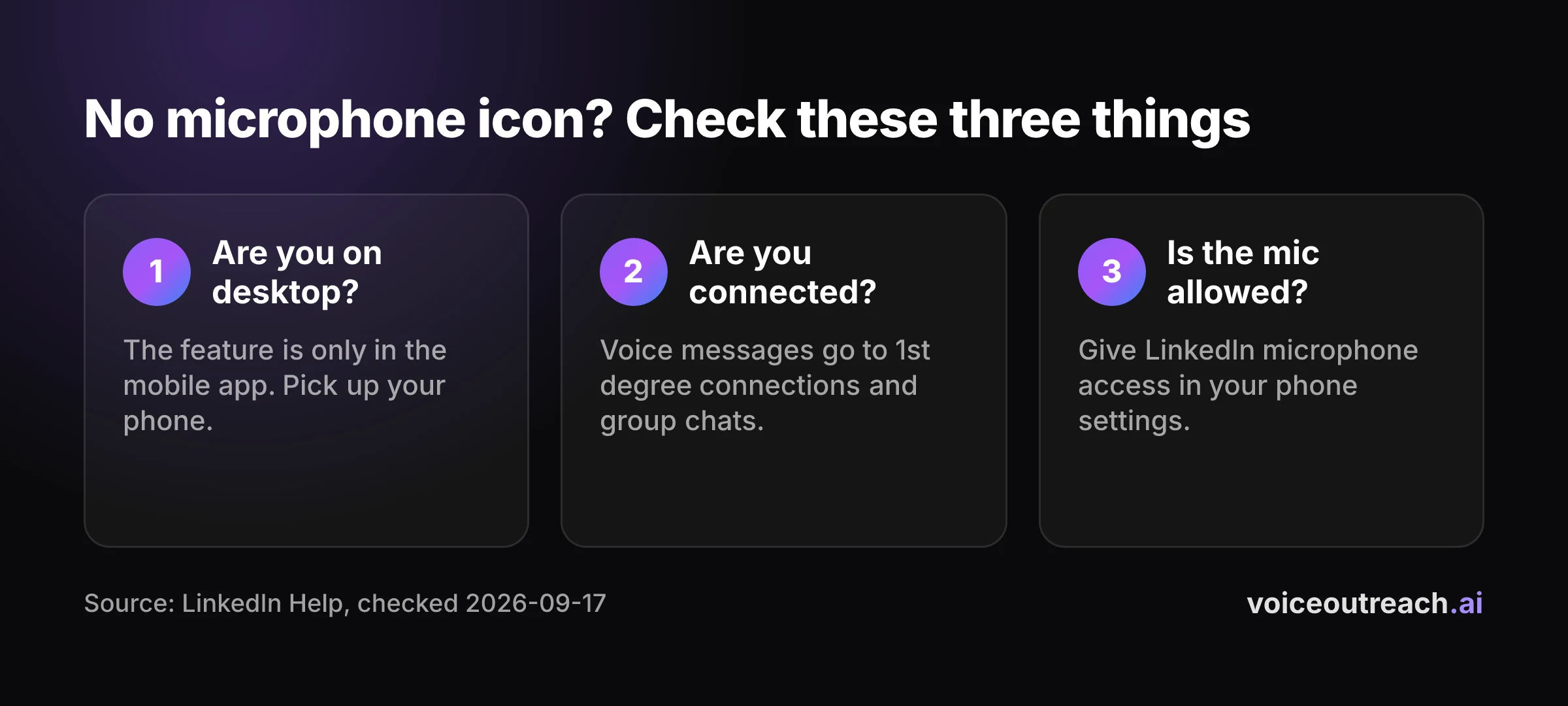
You are on desktop
Recording is a mobile app feature. If you are in a browser on a computer, there is nothing to find.
Open the LinkedIn app on your phone and go to the same chat.
You are not connected yet
LinkedIn says voice messages go to your 1st degree connections or into group chats. If your invite is still pending, that person is not a 1st degree connection yet.
Send the connection request, wait for them to accept, then record. There is no official shortcut around this, and I would not trust any guide that promises one.
LinkedIn does not have microphone access
LinkedIn's steps include allowing the app to use your microphone. If you tapped no when it asked, or denied it a long time ago and forgot, recording cannot work.
Open your phone's settings, find LinkedIn in the list of apps, and turn microphone access on. Then go back to the chat and try again.
How long can a LinkedIn voice message be?
Up to one minute. That is LinkedIn's limit, stated on its help page.
One minute is a ceiling, not a target. A voice message cannot be skimmed the way a text can, so the listener pays for every second with their attention.
My rule is simple. Say who you are, say why you picked them, ask one question, and stop. If you are still talking near the limit, you are probably pitching, and a pitch is the wrong use of a first voice message.
Can you send a voice message to someone you are not connected with?
Not according to LinkedIn. Its help page names two places for voice messages: conversations with 1st degree connections, and group chats.
In practice that makes the voice message a second step. First the invite, then the accept, then your voice.
I think that is a good thing. By the time they hear you, they have already seen your name and chosen to let you in. You are not a stranger shouting through a letterbox.
What should you say in your first voice message?
Keep it plain. A voice message works when it sounds like one person talking to another, and it fails when it sounds like an advert being read aloud.
Here is a shape you can use today:
- Their name. Say it first. It proves the message was made for them.
- Why them. One real reason you wanted to talk to this person. Their role, their company, something they built.
- One question. Something they can answer from memory in a line. Not a meeting request.
- Stop. No sign off speech. Just end.
Do not read from a script word for word. Know your three points, then talk. A small stumble is fine, because it is proof a human recorded it.
Find somewhere quiet. Wind, traffic and cafe noise make you hard to hear, and nobody replays a message they struggled with the first time.
Do LinkedIn voice messages get more replies?
You will find plenty of pages that promise a big lift in replies from voice. I went looking for where those numbers come from, and none of the ones I found link to a method, a sample size or a time period. I will not repeat them.
Here is what I can tell you honestly, from our own outreach.
9.0%
of our voice notes got a reply. That is 16 replies from 178 voice notes.
What if you want to send voice messages to more than a few people?
By hand, the steps above are all you need. Holding a button for a handful of people a day is no hardship.
It stops being fun when you have a list. You record the same opener again and again, you lose track of who got what, and you keep sending to people who already replied.
That is the problem I built Voice Outreach to solve. You connect your LinkedIn profile, record your voice once, and the voice note goes out as a step in a sequence that stops the moment someone replies.
If that sounds useful, the getting started guide shows the setup, the pricing page shows the plans, and the home page explains the rest. If you only send a few a week, keep doing it by hand. It works.
Frequently asked questions
How long can a LinkedIn voice message be?
Up to one minute, according to LinkedIn's help page. Treat that as a ceiling. A shorter message that names the person and asks one question is easier to listen to and easier to answer.
Can I send a voice message to someone I'm not connected with?
LinkedIn lists two places for voice messages: conversations with your 1st degree connections, and group chats. So send the connection request first, and record once they accept.
Can I send a LinkedIn voice message from my desktop?
No. LinkedIn says the feature is only available on the LinkedIn mobile app. Open the same conversation in the app on your phone and record there.
Can you send a voice message in a LinkedIn group chat?
Yes. LinkedIn's help page says you can send voice messages to 1st degree connections or in group chats. The steps are the same: open the group conversation, tap the microphone icon, hold to record and release to send.
How do I cancel a LinkedIn voice message while recording?
Keep your finger down and swipe away from the large microphone button. LinkedIn discards the recording. If you simply lift your finger, the message sends straight away.
Do LinkedIn voice messages get more replies?
I could not find a published number with a real method behind it, so be wary of big claims. In our own outreach, 9.0% of voice notes got a reply, which is 16 replies from 178 voice notes across two LinkedIn accounts. That is what we see, not proof that voice beats text.
Written by
Hassan Amjad
Founder of Voice Outreach. I send LinkedIn voice notes at scale and write about what actually gets replies.